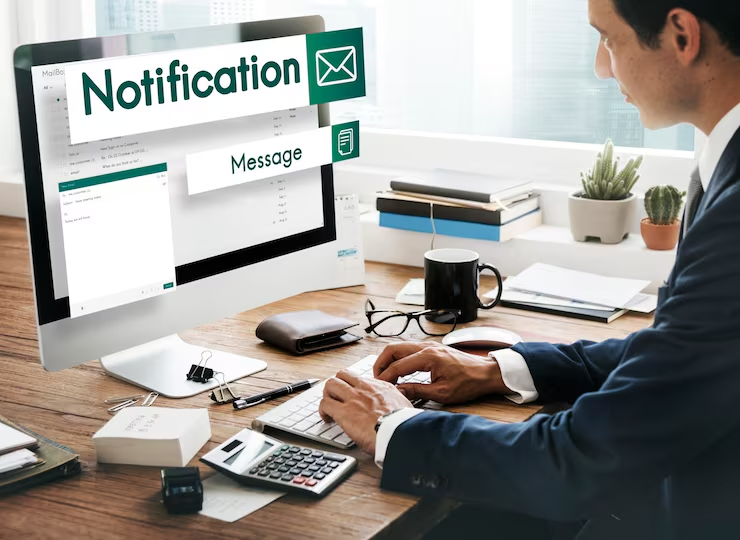
Setting up a professional company email is surprisingly simple. You just need two things: a domain name (like yourcompany.co.za) and an email hosting provider. That’s it. This small step swaps a generic address like yourcompany@gmail.com for a branded one that immediately tells clients you mean business.
1. Why a Professional Email Is a Non-Negotiable Asset

Handing out a business card with a generic email address is like putting a handwritten sign on a fancy storefront. Sure, it works, but it screams “amateur.” An email like your.name@yourcompany.co.za changes the entire conversation. In the hyper-competitive South African market, it signals that you’re established, credible, and here to stay. This isn’t just about looking good; it’s a foundational business tool. Research shows that 75% of consumers rate a professional email address as a key factor in trusting a small business (Verisign, 2016).
Think about it: every single email you send becomes a mini-advert for your brand. It’s subtle, powerful marketing that works for you with zero extra effort. For startups and SMEs, this constant brand reinforcement is how you carve out a space for yourself and get noticed.
Building Trust and Security
A custom domain email does more than just impress potential clients. It gives you a massive security advantage over free services, which are magnets for spam and phishing attacks. Professional email hosts provide far better control over your data, packing in advanced security protocols and filters to shield your business communications. A 2022 report by the Southern African Fraud Prevention Service (SAFPS) noted a 177% increase in fraudulent activities, highlighting the need for enhanced business security.
A professional email address is your digital handshake. It’s often the first impression a potential client has of your business, making credibility its most valuable feature.
This added security isn’t a “nice-to-have”—it’s critical. By managing your own email ecosystem, you dramatically lower your risk of falling victim to the kind of cyber threats that can bring a small business to its knees.
Tapping into a Connected Market
In a country as connected as South Africa, a professional email is even more vital. By 2025, the country is expected to have 50.8 million internet users, which is a staggering 78.9% of the population (Statista, 2023).
With mobile connection speeds now averaging over 51 Mbps (Ookla Speedtest Global Index, 2023), nearly all your potential customers are online and reachable by email. This makes it a primary channel for business, underscoring the need to get your email setup right—and mobile-friendly—from day one. You can dig into more stats on South Africa’s digital landscape over at HelloYes.
Right, let’s talk about the bedrock of your professional identity: your domain name and your email hosting. Getting this wrong is like building a house on a shaky foundation.
Your domain name isn’t just a web address; it’s your brand’s handshake. It’s the first thing customers see and the name they’ll remember. Keep it simple. The best domains are short, easy to say, and impossible to misspell.
For any business serious about the South African market, grabbing a .co.za domain is a no-brainer. It instantly tells local customers you’re one of them. It’s the digital equivalent of having a local landline—it just builds trust and boosts your relevance in local searches. According to ZACR, the registry for .za domains, there are over 1.3 million registered .co.za domain names, making it the most recognized local domain extension.
Picking the Right Email Host
Once you’ve got your domain, you need an engine to run your email. This is your email host, and the choice you make here will shape your daily workflow, your security, and your budget. This isn’t a decision to rush.
A lot of businesses start with the email that comes bundled with their website hosting. It’s cheap—sometimes even free—and it seems convenient. But here’s the catch: it’s often flimsy, with tight storage limits and basic features. Worse, if your email host goes down, your website often goes down with it. That’s a single point of failure you can’t afford.
The smarter move is to look at dedicated email providers or all-in-one platforms that are built for business.
- Google Workspace (what used to be G Suite): Almost everyone knows Gmail, which makes this an easy win for most teams. You get a familiar interface, massive cloud storage, and killer collaboration tools like Docs and Sheets. It’s fantastic for teams that live and breathe file sharing. Google Workspace holds over 59% of the office productivity software market share (Statista, 2023).
- Microsoft 365: If your business already runs on Microsoft, this is your home ground. It blends perfectly with Outlook, Word, and Excel. A huge plus is that it often includes the desktop software versions, which is a deal-breaker for many companies. Microsoft 365 boasts over 382 million paid seats globally (Microsoft Q3 2023 Earnings Report).
- Integrated Platforms: Then you have tools like CRM Africa, which roll email hosting right into a full business management system. This is a massive efficiency hack. It means your client emails live right alongside their sales history, projects, and invoices. No more digging through separate inboxes to find a conversation.
Here’s a quick breakdown to help you decide.
Comparing Email Hosting Options for Your Business
Choosing an email host is a strategic decision. This table cuts through the noise to compare the most common options, helping you find the right fit for your business goals and budget.
| Hosting Type | Best For | Pros | Cons |
|---|---|---|---|
| Bundled Web Hosting Email | New businesses and solo operators on a tight budget. | Low cost (often free), simple to set up initially. | Limited storage, poor security, linked to website (if one goes down, both do). |
| Dedicated Email (Google/Microsoft) | Small to large teams needing reliability and collaboration tools. | High uptime, robust security, professional features, large storage. | Monthly per-user cost, can be overkill for very small businesses. |
| Integrated Platform (e.g., CRM Africa) | Businesses focused on sales and client management efficiency. | Centralises all communication, links emails to client records, improves workflow. | May have fewer advanced email-only features than dedicated providers. |
Ultimately, the best path forward depends on what you value most right now. If every rand counts and simplicity is all you need, a bundled host might get you started.
But if you’re playing the long game—and you should be—investing in a dedicated suite like Google Workspace, Microsoft 365, or an integrated platform is a proven strategy for growth.
Choosing an email host isn’t just about getting an inbox. It’s about selecting a communication platform that supports your workflow, protects your data, and can grow with your ambitions.
2. Getting Your New Business Email Account Configured
Alright, you’ve secured your domain and picked a hosting partner. Now it’s time to connect the dots. This is the part that often feels a bit technical, but I promise it’s more straightforward than it sounds.
Think of it like this: you’ve just rented an office (your hosting), and now you need to tell the post office (the internet) where to deliver your mail.
This whole process relies on something called DNS (Domain Name System) records. These are basically the settings that direct all the traffic for your domain. For email, the crucial one is the MX (Mail Exchanger) record. Its only job is to tell mail servers exactly where to send emails addressed to your company. Get this right, and you’re golden.
Pointing Your Mail Records
Your email host will give you the specific MX record values you need. Your next move is to plug these values into your domain’s DNS settings, which you’ll usually find in the control panel where you bought the domain.
It’s really just a copy-and-paste job. You’re essentially telling your domain, “Hey, from now on, any mail for yourcompany.co.za needs to be delivered over there.”
This quick visual breaks down those first foundational steps you take before you even get to the configuration part.
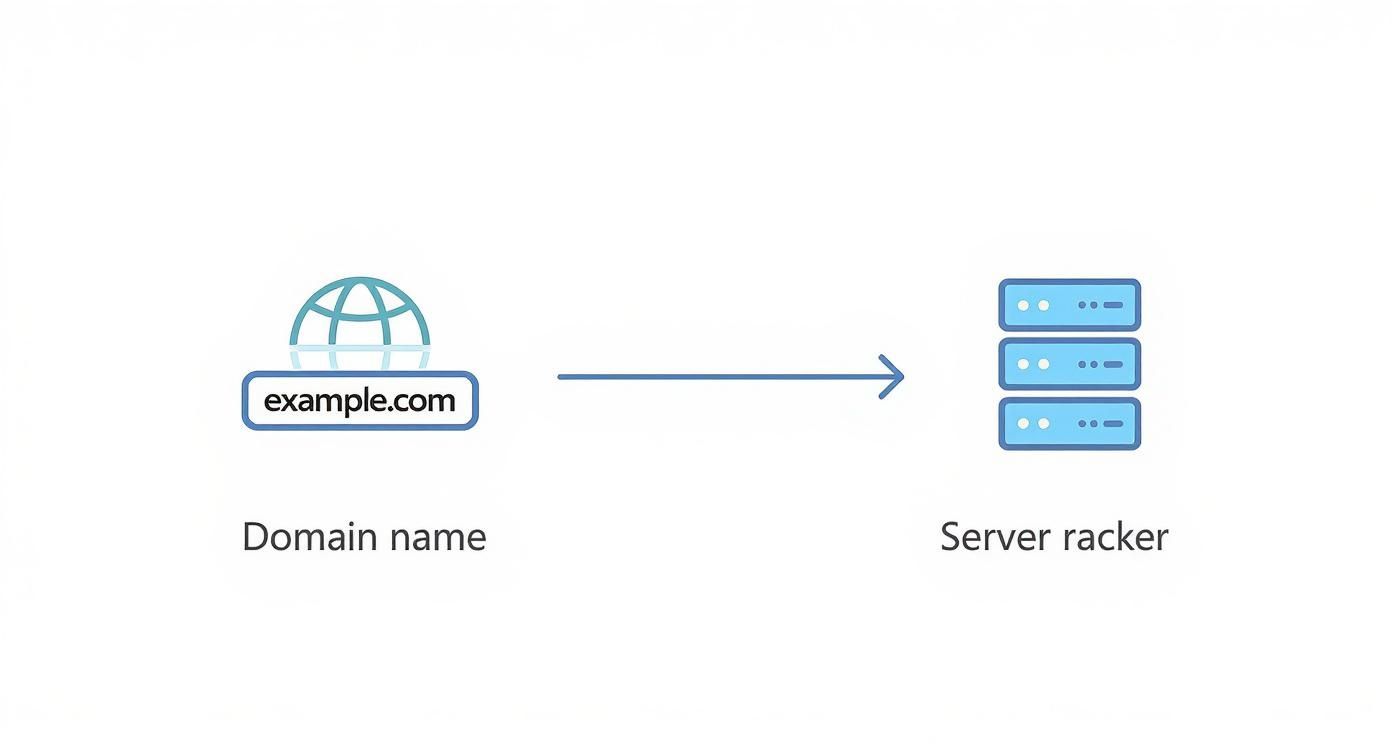
It really comes down to two big decisions: locking in your brand identity with a domain name and then choosing the right engine (hosting) to power it all.
Creating Your First Mailboxes
Once the technical plumbing is connected, you get to the fun part—creating your actual email addresses, or mailboxes. This is the moment your business starts to feel truly real. You can finally set up the professional addresses your clients will see and use.
A good starting point is to create a few key mailboxes that cover different parts of the business. You want addresses that are both functional and look professional from day one.
- Role-Based Addresses: Set up general mailboxes like
info@yourcompany.co.zafor inquiries orsales@yourcompany.co.zafor new leads. These look clean and professional, and they help you organise your communications right from the start. A recent HubSpot survey found that 29% of people read blogs to learn something new, which just shows how important clear, helpful communication is in business (HubSpot, 2023). - Personalised Team Addresses: For your team members, stick to a consistent format. Something like
firstname.lastname@yourcompany.co.zaorfirstname@yourcompany.co.zaworks perfectly. Consistency isn’t just about looking tidy; it builds brand recognition and makes it dead simple for clients to contact the right person.
Setting up mailboxes isn’t just an admin task. You’re building the communication framework for your entire company. Every single email you send is a chance to reinforce your professional image. For more on this, the experts at Shopify have some great insights into effective business communication strategies.
3. Managing Your Company Emails Effectively
Getting your company email address live is really just the starting line. The real work—and the real power—comes from how you manage it day-to-day. This is where you move from a technical setup to a business strategy, turning every email you send into a small billboard for your brand.
A simple, professional email signature is your first, easiest win. Make sure it includes the essentials: your name, title, company, and a contact number. This tiny detail makes every single communication look polished and professional, saving your clients the hassle of hunting for your details.
Organising Communication and Bolstering Security
As your business picks up steam, you’ll quickly realise that one inbox can’t handle everything. This is where email aliases become your best friend.
Think about creating role-based addresses.
sales@yourcompany.co.zasupport@yourcompany.co.zaaccounts@yourcompany.co.za
These aren’t extra mailboxes to check. They are smart forwarders that route emails to the right people or teams. This keeps your main inboxes from overflowing and, more importantly, ensures that crucial customer enquiries never get lost in the shuffle.
At the same time, you need to establish a consistent, professional tone and set clear expectations for response times across the entire team. When clients know they can count on a prompt and helpful reply, you build trust and make your business look like a well-oiled machine.
But let’s be blunt: none of that matters if you’re not secure. Business emails are a massive target for cybercriminals, and one mistake can be catastrophic. The research highlighted in Shopify’s blog on effective business communication drives this home—trust is everything, and security is the bedrock of that trust.
Security isn’t just an “IT problem” anymore; it’s a core business survival strategy. One weak password or a single careless click on a phishing link can expose client data, your financials, and your company’s entire reputation.
Make strong, unique passwords mandatory for every single email account. And wherever you can, switch on two-factor authentication (2FA). It’s a simple step that adds a powerful layer of defence. Verizon’s 2023 Data Breach Investigations Report found that 74% of breaches involved the human element, such as social engineering or errors.
Beyond that, you need to be proactive. Regularly train your team to spot the signs of sophisticated phishing scams—those tricky emails designed to fool them into giving up sensitive info. An aggressive, always-on approach to security isn’t optional; it’s the cost of doing business seriously today.
4. Turning Your Company Email into a Growth Engine

So, you’ve set up your professional email. Great. Now, the real work begins. Don’t let that shiny new address just sit there sending invoices and meeting reminders. It’s time to turn it into one of your most powerful assets for driving actual, measurable business growth.
Once you know how to create a company email, the next move is to weaponise it. We’re talking about transforming a simple communication channel into a machine that generates leads and revenue.
And in South Africa, email isn’t just surviving—it’s thriving.
Building Your Marketing Foundation
First things first: you need a healthy, opt-in email list. Let me be clear, this isn’t about scraping addresses or buying a list of contacts who have never heard of you. That’s a fast track to the spam folder.
We’re talking about earning permission to talk to people who are genuinely interested in what you do. Start with a simple sign-up form on your website. Offer something valuable—a guide, a discount, a free consultation—in exchange for their email.
Once you have a list, the magic is in segmentation. Don’t just blast the same message to everyone.
- Group by Interest: Separate people based on the products or services they’ve looked at.
- Segment by Location: Create targeted offers for customers in Johannesburg that wouldn’t make sense for someone in Cape Town.
- Track Engagement: Know who your biggest fans are (the ones who open every email) versus those who might need a little nudge to come back.
This simple act of organising your list allows you to send hyper-relevant messages that feel personal, which is what gets people to actually click and buy. Research by Campaign Monitor shows that segmented campaigns can lead to a 760% increase in revenue.
For businesses in South Africa, email offers a direct line to your customers, free from the noise and unpredictable algorithms of social media. It’s a connection you own.
And the data backs this up. The chart below shows a clear, steady rise in email advertising revenue in SA, and it’s projected to keep climbing.
Why the consistent growth? Because it works. South African businesses are putting more money into email for one simple reason: it delivers tangible results. It’s a proven method for nurturing leads and closing sales.
In fact, the numbers are staggering. Email marketing delivers an average return on investment (ROI) of 30:1 for local businesses. Think about that. For every R1 you spend, you can expect an average return of R30. You can dig into more stats on the power of email marketing in South Africa to see just how critical it is.
5. Got Questions? Let’s Talk Business Email Realities
Once you’ve got your new company email sorted, a few practical questions almost always pop up. It’s one thing to get the tech running; it’s another to use it smartly day-to-day. Let’s tackle the common hurdles.
The first question I always hear is, “How many email addresses do I actually need?” Don’t go overboard. For a new or small business, a few strategic addresses are all it takes to look professional and stay organised.
Start with the essentials:
- Individual mailboxes for each person, like
firstname@yourcompany.co.za. This builds personal accountability. - Role-based aliases like
info@for general enquiries orsales@for new leads. These keep your main inbox clean and direct queries to the right place.
You can always add more later. No need to create every-possible-department@yourcompany.co.za from day one.
What if I Choose the Wrong Host? Can I Switch?
This is a big one. Nobody wants to feel trapped. The good news? You’re never locked in.
Yes, you can absolutely switch your email host later. It involves a bit of backend work—migrating your old emails and updating your DNS records—but it’s a totally standard procedure. So, pick the provider that makes sense for you right now, knowing you have the flexibility to change as your business evolves.
Your professional email isn’t just an inbox. Think of it as the engine for your entire client communication strategy, from simple follow-ups to your biggest marketing campaigns.
Another common puzzle is managing email on the go. Most modern email hosts have great mobile apps or sync perfectly with the native mail apps on your phone. The non-negotiable part? Security.
No matter how you access your email, always enable two-factor authentication (2FA). It’s your best defence if your phone gets lost or stolen. According to Microsoft, 2FA can block 99.9% of automated cyberattacks.
Putting real resources into your email setup isn’t just an IT expense; it’s a core business investment. The market backs this up. By 2025, spending on email advertising in South Africa is expected to hit a massive US$40.45 million. That number alone shows just how vital email is for growth. If you want to see where the money is going, check out the latest email advertising trends in South Africa.
Ready to stop juggling different apps and centralise your client communication? CRM Africa brings your email, projects, and invoicing into one platform. It’s free forever for teams of up to 10. Give it a try at https://crm.africa.